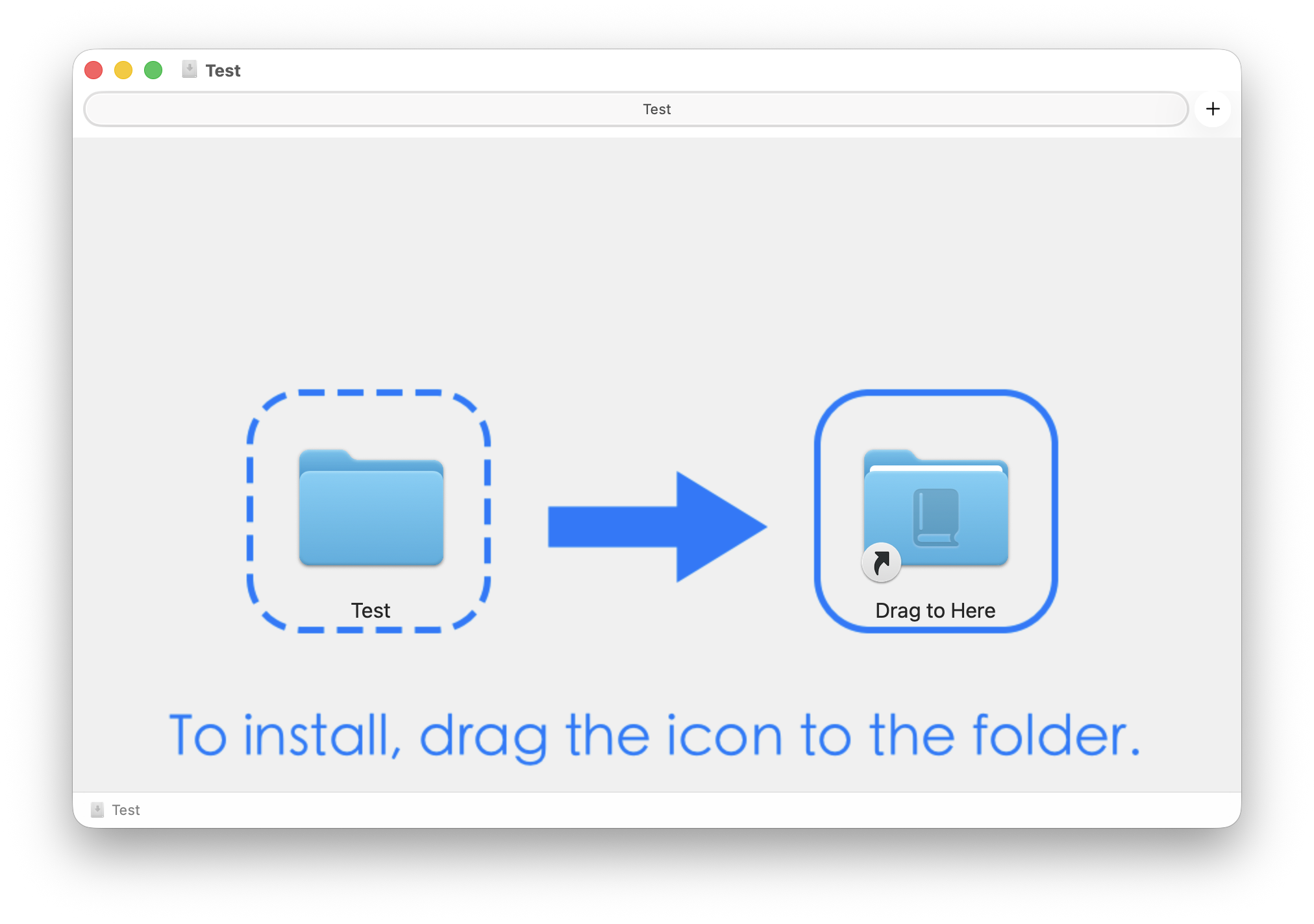
This post introduces DMG Maker, a small tool for creating macOS DMG installers with custom backgrounds, icon placement, and destination shortcuts.
I’ve just open-sourced DMG Maker, a tool that simplifies the process of creating professional macOS DMG installers.
Why DMG Maker?
Creating a DMG with a custom background usually involves manual AppleScripting or tedious Finder configurations. DMG Maker automates this using a single command.
Key Features
- Auto-Symlink: Automatically detects file types (like
.dictionaryor.app) and links them to the correct system folders. - Custom Aesthetics: Easily apply backgrounds and position icons via coordinates.
- Open Source: Check it out on GitHub.
Check out the project to start making your own installers!
Related Posts
- I used the same kind of DMG distribution flow for dictionary-style macOS tools such as Ġabra Maltese Dictionary for macOS.
- If you are packaging a keyboard layout instead of an app, see ABC Custom Keyboard.